Ultimate Guide to Being a Gimkit Host: Tips, Tricks, and Step-by-Step Instructions
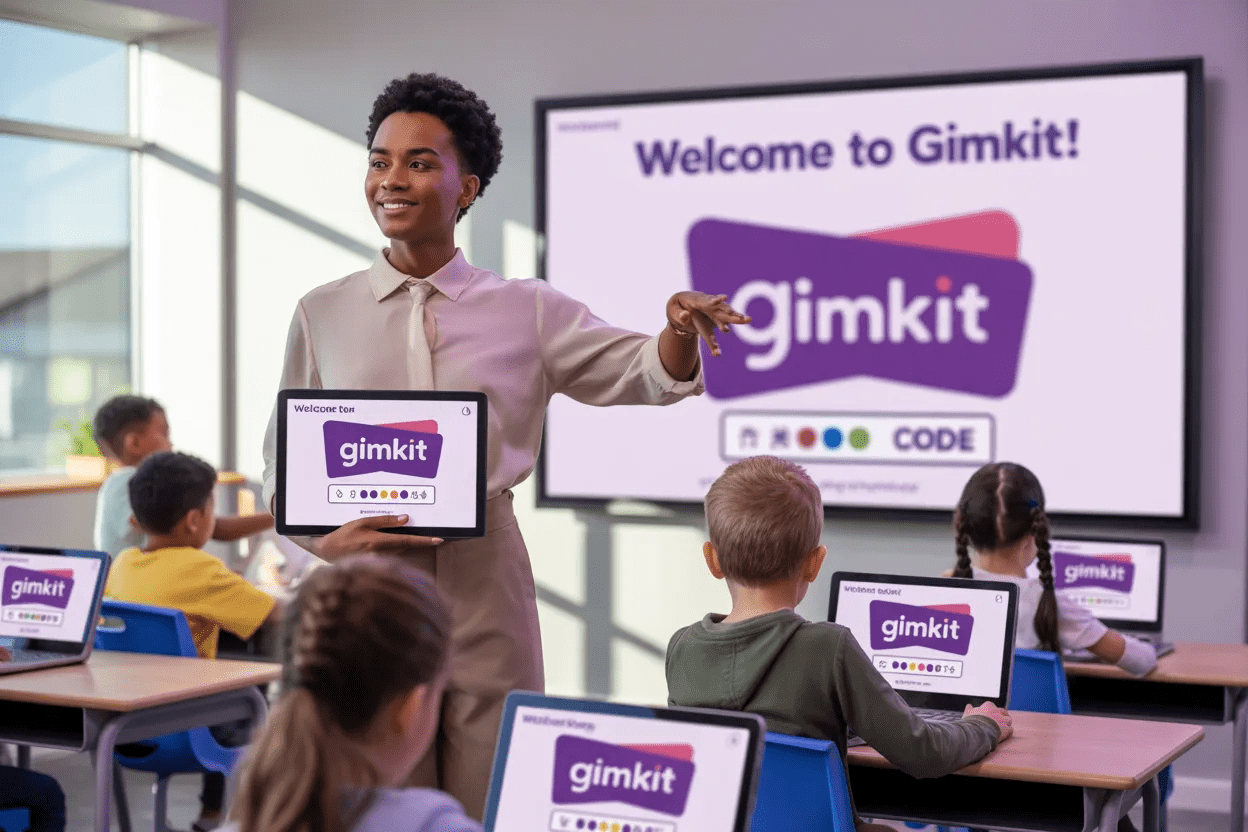
If you’ve ever wanted to turn learning into a fun, interactive game, then Gimkit is your best friend. But to make the experience amazing, you need to know how to be a confident Gimkit host. Whether you’re a teacher, student, or team leader, hosting a Gimkit game can boost engagement, encourage friendly competition, and make learning exciting.
In this guide, we’ll walk you through everything from hosting your first Gimkit game to advanced tips to keep players engaged. By the end, you’ll feel ready to run a game that’s educational, entertaining, and memorable.
What Is a Gimkit Host?
A Gimkit host is the person who starts, manages, and controls the game. Unlike a regular player, the host sets the rules, chooses the game mode, and can monitor how participants perform in real-time. Being a host means guiding players, keeping the game fair, and ensuring everyone has a great experience.
If you’re wondering, “Can anyone host a Gimkit game?” the answer is yes! With a free account or school license, you can start your own game and invite players using a unique game code. The role is simple but powerful—it allows you to lead the learning experience.
How to Host a Gimkit Game
Hosting your first Gimkit game is easier than it seems. First, log in to your account and click “Host a Game”. Then, choose a kit (questions) from your library or create a new one. Next, select a game mode like Standard, Team Mode, or Challenge. Share the game code with participants, and you’re officially the Gimkit host.
A helpful tip: explain the game rules before starting. This ensures everyone understands how to play, how to earn money in the game, and what the winning conditions are. A well-prepared host creates a smoother, more enjoyable game experience.
Choosing the Right Game Mode
Gimkit offers multiple modes, each giving players a unique experience. As a host, selecting the correct mode is key:
- Standard Mode: Classic, fast-paced, and competitive.
- Team Mode: Players collaborate, promoting teamwork.
- Challenge Mode: Focused on learning, less on speed.
The right mode depends on your goals. Teachers often choose Challenge Mode to reinforce concepts, while students may prefer Standard Mode for excitement. As a Gimkit host, experimenting with different modes keeps the game fresh and engaging.
Creating Your First Gimkit Kit
A kit is a set of questions for your game. You can create one from scratch or adapt an existing kit. Keep these tips in mind:
- Write clear, concise questions.
- Mix easy and challenging questions.
- Add images or media for visual learners.
Good kits make your role as a Gimkit host easier because players can immediately dive into the game without confusion. A well-prepared kit ensures learning is effective and fun at the same time.
Inviting Players to Your Game
After you’ve hosted your game and selected a kit, you need participants. Share the unique game code via email, chat, or classroom announcements. Players simply enter the code to join.
Pro tip: Check your game settings as a Gimkit host. You can set a timer, limit the number of players, and control other options that help maintain fairness. This gives you full control over how the game runs.
Managing the Game as a Host
Being a Gimkit host is not just about starting the game. You also monitor player progress. You can:
- Track who answers correctly.
- See who is falling behind.
- Adjust game settings if needed.
Actively managing the game keeps it balanced and fun. A skilled host can even motivate players by giving encouragement or hints during the game.
Common Mistakes New Gimkit Hosts Make
Even experienced hosts have slipped up at first. Some common mistakes include:
- Skipping instructions.
- Choosing kits that are too difficult.
- Not managing time limits.
Avoiding these mistakes helps players feel confident and enjoy the game. Remember, the goal of a Gimkit host is to make learning engaging, not stressful.
Tips to Make Your Gimkit Game Exciting
Here are some expert tips for hosts:
- Add sound effects and music to energize the room.
- Rotate teams for variety.
- Give small rewards for top performers.
These little touches help players stay interested and make your game memorable. The more interactive your hosting style, the better the experience for everyone.
Tracking Results and Feedback
After the game, a Gimkit host can review results. You’ll see who excelled, which questions were tricky, and overall performance trends. Asking players for feedback helps you improve future games. Tracking results is also useful for teachers who want to see learning outcomes.
Why Hosting Gimkit Games Boosts Learning
Games create motivation. As a Gimkit host, you turn routine lessons into exciting challenges. Students and participants learn faster because they are engaged and actively thinking. The interactive environment improves retention and makes learning fun.
FAQs About Being a Gimkit Host
1. Can anyone host a Gimkit game?
Yes! Any account can host, whether free or premium.
2. How many players can join a game?
It depends on your plan, but usually up to 100+ participants.
3. Do I need special equipment to host?
No, just a device with internet access.
4. Can I customize the game rules?
Absolutely. Hosts can adjust timers, points, and more.
5. Are Gimkit games suitable for adults?
Yes, many teams and businesses use Gimkit for training.
6. Can I reuse my kits for multiple games?
Yes, kits can be reused and modified as needed.
Conclusion
Being a Gimkit host is more than just starting a game—it’s about creating a fun, engaging, and educational experience. With the tips, steps, and insights in this guide, you can confidently host your first game and make every session exciting. Start hosting today and watch learning come alive!