TMobile Home Internet Review 2025: Speed, Pricing & Availability
Introduction
T-Mobile Home Internet is a simple, modern way to get internet at home using T-Mobile’s 5G network. If you want easy setup, no annual contract, and a device that mostly works out of the box, tmobile home internet might be for you. This article walks through plans, speed, availability, billing, customer service, and real-world pros and cons. I’ll share plain examples from real users and clear tips to help you decide. Read this like a friendly chat: short sentences, plain words, and real steps you can try today.
What is T-Mobile Home Internet?
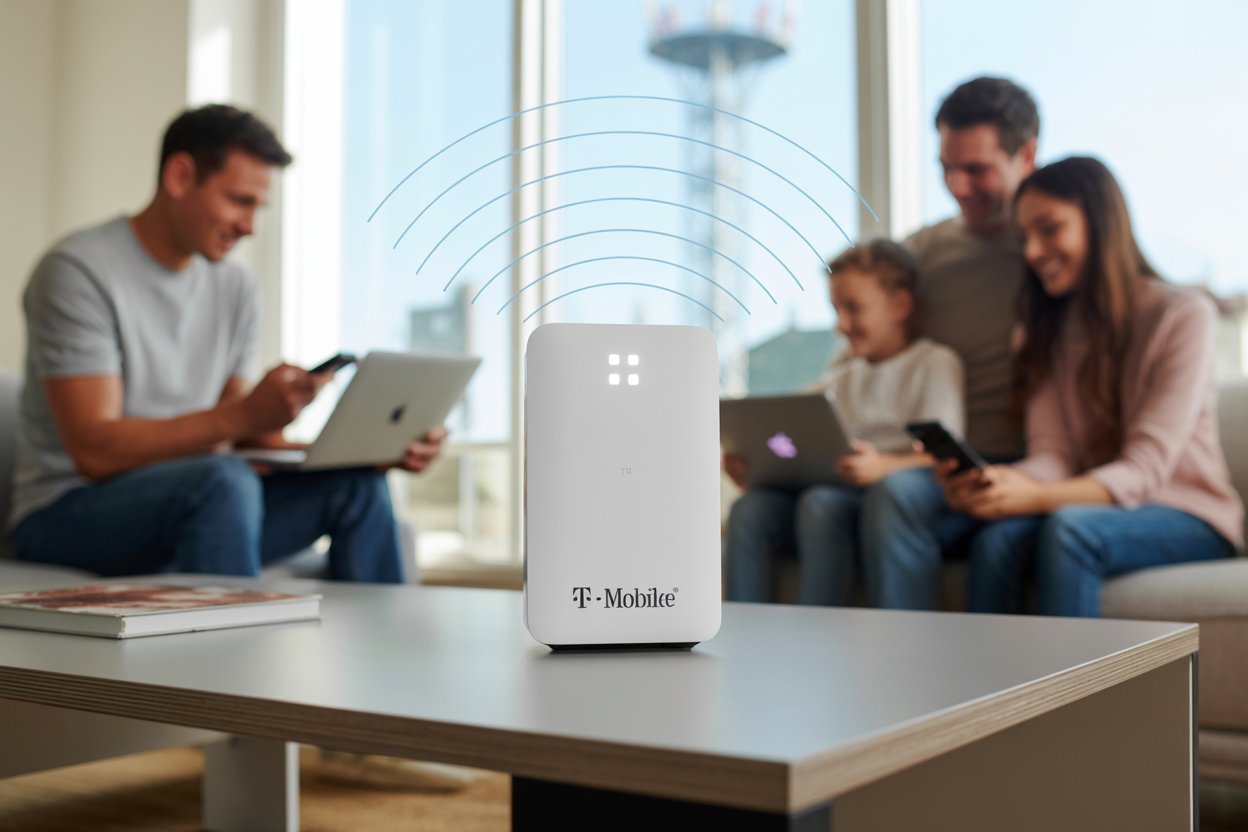
tmobile home internet is a residential service that delivers internet to your house over T-Mobile’s cellular network rather than a traditional cable or fiber line. The service uses a small gateway (a combined modem and Wi-Fi router) you plug in at home. T-Mobile bills it monthly and offers self-install with no technician visit in most areas. It’s designed for households that want a fast, low-hassle connection without waiting for a wired install. The company also emphasizes a risk-free trial so you can test service at your address.
Plans and Pricing — What to Expect
T-Mobile offers several home internet tiers and occasional promotions that change over time. Basic 5G home internet plans often start with a low monthly price and can be cheaper if you bundle with a T-Mobile phone plan or enable AutoPay. There’s also a Home Internet Lite option for areas not yet eligible for unlimited service; that Lite plan uses data buckets (for example, a 100 GB monthly allotment) and costs differently than the unlimited tiers. Be sure to check current pricing online for exact offers at your address—promos and bundles can move the needle on value.
Home Internet Lite — Who Should Pick It?
Home Internet Lite is tmobile home internet’s limited, bucketed plan for places where full unlimited 5G Home Internet is not yet available. If your home is outside core 5G coverage or in a testing area, Lite gives you a fixed monthly data allotment (for example, 100 GB) at a lower price. This is a good choice for light users who mostly browse, stream a little, or work occasionally from home. Heavy streamers, gamers, or large households will likely prefer an unlimited plan once it’s available. Compare your household’s typical monthly data use before choosing Lite.
How T-Mobile’s 5G Home Internet Works
tmobile home internet runs on cellular towers using 5G spectrum and a home gateway that connects to T-Mobile’s network. The gateway creates a Wi-Fi network inside your home. Because the signal travels wirelessly from tower to gateway, performance depends on signal strength, local tower load, and distance from the tower. T-Mobile states typical download speeds can be strong, and they advertise an average speed figure for customers, but your exact speed will vary by ZIP code and local conditions. The service usually includes a short test period so you can confirm real-world speeds at your home.
Speed & Performance: Real Numbers and What They Mean
Speed matters for streaming, gaming, and video calls. T-Mobile reports average and typical ranges for its plans, and many real-world tests show download speeds that can be more than enough for households (often in the low hundreds of Mbps for 5G). However, speeds vary with location, time of day, and congestion. Upload speeds are usually lower than download speeds, and latency (the time it takes data to travel back and forth) tends to be slightly higher than fiber but fine for video calls and casual gaming. Always run a speed test after setup to see how your tmobile home internet performs in your exact spot.
Availability and Coverage — Where It Works Best
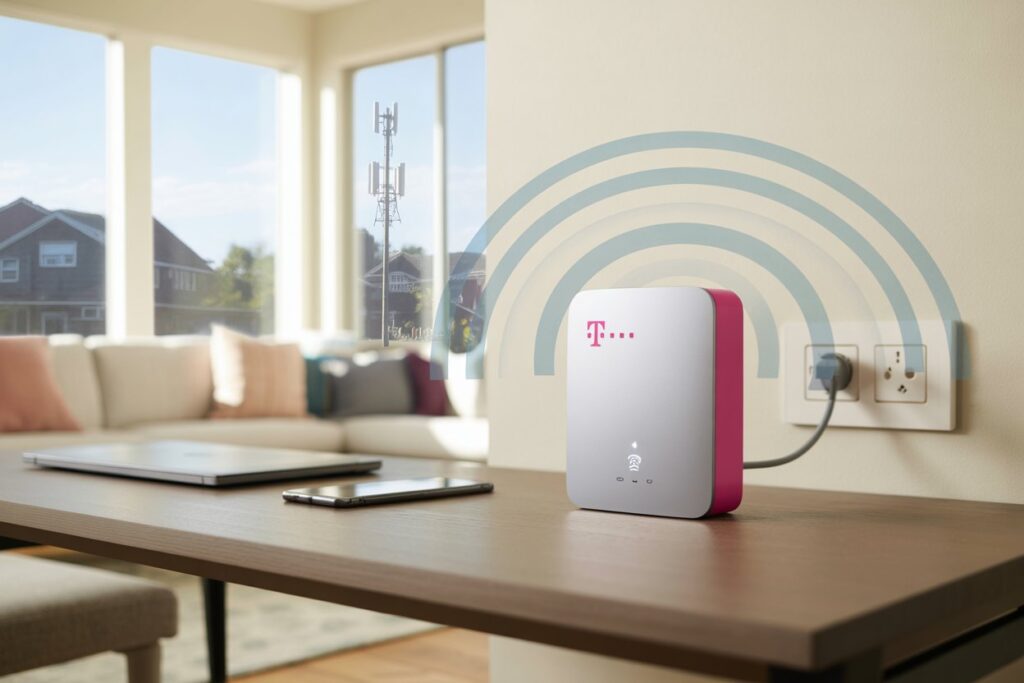
tmobile home internet is available in many U.S. areas but not everywhere yet. Coverage maps and online address checks tell you if your home can get service. Urban and suburban zip codes usually have the best access to unlimited 5G home internet, while more rural spots might see the Home Internet Lite or no service at all. T-Mobile’s network expansion and fiber rollouts mean availability is changing fast, so checking the site for your address gives the most accurate answer. If you see Lite as an option, that means unlimited service may come later to your neighborhood.
Setup, Login, and Getting Online Quickly
Setting up tmobile home internet is designed to be quick. T-Mobile ships a plug-in gateway. You put it near a window or high shelf, plug it into power, and wait for the lights to show it’s connected. Then you connect your devices to the Wi-Fi name printed on the gateway or change it in the gateway’s web or app settings. To manage billing, settings, and firmware, log in to your T-Mobile ID at the My T-Mobile site or app. If you need help, T-Mobile’s support pages and chatbots walk you through steps and troubleshooting.
Pay Bill & Customer Service — Options That Work
Paying for tmobile home internet is flexible. T-Mobile supports online payments via My T-Mobile, AutoPay enrollment to automate payments, phone payments, and a Guest Pay option if someone else needs to pay for you. The company also offers chat-based support, a help center, and phone lines for billing and technical help. If you prefer paperless billing or want to set alerts for due dates, the account portal provides those settings. For late payments or payment arrangements, T-Mobile lists options on its support pages.
Outages, Reliability, and What to Do
Like any network, tmobile home internet can experience outages from tower maintenance, storms, or local congestion. Wireless home internet outages are often short and fixed by network engineers quickly. If you see no internet, try rebooting the gateway, checking service status via the app, and confirming local outages with T-Mobile’s outage maps or support chat. For frequent outages, document times and contact customer service; they may offer troubleshooting steps, signal boosters, or options to switch to wired fiber if available. Keeping a short log helps support teams diagnose repeated problems faster.
Is T-Mobile Home Internet Good? A Balanced Look
Is tmobile home internet good? It depends on what you need. For many families, it’s fast, affordable, and easy to set up. It removes long install waits and brings good speeds to homes that lack fiber or cable options. But it is not a one-size-fits-all solution—heavy upload users, competitive gamers, and those in very rural zones may find fiber or wired cable more consistent. Read reviews, test at your address during the trial window, and compare speeds to what you need. My tip: think about how many devices stream at once and plan for the highest shared bitrate.
T-Mobile Fiber and the Future of Home Internet
T-Mobile is expanding into wired fiber in many markets to pair with its wireless offerings. Fiber brings symmetrical speeds and lower latency compared to wireless 5G and is ideal for very high bandwidth needs. Where fiber is available, T-Mobile sometimes offers longtime price guarantees or special founder offers to early customers. The mix of 5G wireless and fiber means tmobile home internet customers may see more choices and better network resilience in coming years. If fiber hits your neighborhood, compare it to 5G service to decide which matches your budget and needs.
Tips to Improve Your T-Mobile Home Internet Speed
To get the best from tmobile home internet, place your gateway near a window facing the tower or on a high shelf. Avoid metal cabinets and thick walls that block signal. Reduce Wi-Fi interference by moving other electronics away from the gateway and using the 5 GHz Wi-Fi band for devices that need higher speed. If many devices connect, consider a second Wi-Fi access point wired to the gateway or a mesh kit. Finally, check for firmware updates and restart the gateway once in a while to clear memory and improve stability. These small steps often make a big difference.
FAQs
Q1: How do I log into my tmobile home internet account?
To log into your tmobile home internet account, go to My T-Mobile on T-Mobile’s website or open the T-Mobile app. Use your T-Mobile ID (email and password) to sign in. From there you can view and pay bills, change Wi-Fi names, check usage, and start live chat with support. If you don’t have a T-Mobile ID yet, the site walks you through creating one and verifying your account with your phone number or email.
Q2: What is T-Mobile Home Internet Lite and is it a good deal?
Home Internet Lite is a data-cap plan for areas not ready for unlimited 5G home internet. It gives you a fixed monthly data allowance at a lower price and is fine for light browsing and some streaming. If your family streams a lot or has many devices, Lite will fill up faster. Check your monthly data use to decide. For occasional home workers or small households, Lite can be very budget-friendly.
Q3: How fast is tmobile home internet in real life?
Real life speeds vary. T-Mobile reports average download speeds and supplies typical ranges for different plans. Many customers see download speeds in the low hundreds of Mbps on 5G, which is enough for multiple 4K streams or video calls. Your exact speed depends on local signal strength, tower congestion, and home placement. Run speed tests after setup to measure your performance.
Q4: How do I pay my tmobile home internet bill?
You can pay online through My T-Mobile, use AutoPay to pay automatically from a bank account or card, pay by phone, or use Guest Pay for one-time payments without logging in. The account portal also shows bills, payment history, and options to set payment arrangements if you need them. Set AutoPay to avoid missed payments and to get many available discounts.
Q5: What should I do during a tmobile home internet outage?
First, reboot the gateway (unplug for 30 seconds, plug back in). Check T-Mobile’s support pages or app for outage alerts. If the issue persists, contact T-Mobile support via chat or phone. Keep a record of outage times and any error lights on the gateway—this helps technicians diagnose chronic problems faster. For long outages, ask about temporary alternatives or credits if T-Mobile confirms a network fault.
Q6: Can I bundle tmobile home internet with phone service?
Yes. T-Mobile often offers discounts when you bundle home internet with a qualifying T-Mobile phone plan. Bundles can lower your monthly cost and may include extra perks. Check the current bundle promotions when you sign up, because bundles change and can be a strong way to save if you already have T-Mobile mobile service.
Conclusion
If you want easy setup, competitive price, and no long waits for a wired install, tmobile home internet is worth a test. It fits many households with streaming, remote work, and smart home devices. If you need the most consistent low latency and massive uploads, compare local fiber options too. My honest advice: check availability for your address, try the 15-day risk-free window when offered, run speed tests in the times you usually use the internet, and decide based on real results. If you’d like, I can help you draft questions to ask T-Mobile or a checklist to use during the trial so you can judge speed, reliability, and value at your home.
You May Also Like To Read: Whatutalkingboutwillis Com: The Legacy of a Classic TV Catchphrase