PS2 BIOS: The Complete Guide for Emulators and Gaming Fans
Introduction
The PlayStation 2 is one of the most beloved gaming consoles of all time. From iconic titles like Final Fantasy X to Shadow of the Colossus, it offered endless hours of fun. But if you want to play PS2 games on your PC or phone, you’ll need a PS2 BIOS. Think of the BIOS as the “brain” of the console—it tells the system how to start, run games, and manage hardware. Without it, emulators like PCSX2 or mobile PS2 apps won’t function properly. This guide will walk you through everything about PS2 BIOS, from downloading and using it to legal considerations and troubleshooting tips.
What Exactly is the PS2 BIOS?
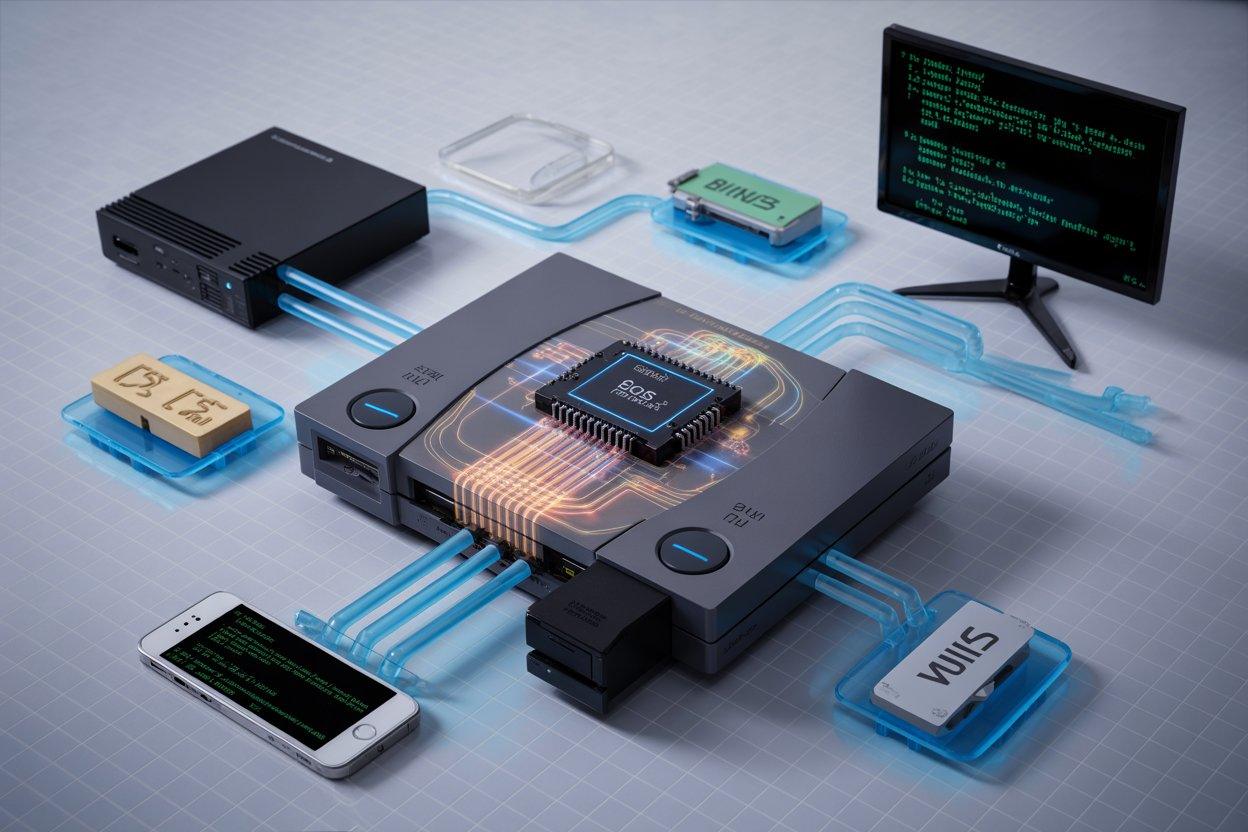
The PS2 BIOS, or Basic Input Output System, is a tiny piece of software inside the console. It runs before the game and handles essential tasks, like memory management and hardware initialization. When emulators run, they need this BIOS to mimic the PS2 accurately. A PS2 BIOS file is simply a digital copy of this code. Some emulators require a single file, while others can use a full BIOS folder. Using the original BIOS ensures games behave correctly and look just like they would on a real console.
Why the PS2 BIOS is Crucial for Emulation
Emulators rely on the BIOS to replicate the console’s behavior. Without it, games may crash, freeze, or fail to load. Using a genuine PS2 BIOS improves compatibility across hundreds of titles. Some games even rely on specific quirks in the original BIOS to function properly. Whether you’re using PCSX2 BIOS or a mobile emulator, the correct BIOS ensures smoother gameplay, proper region settings, and fewer errors.
Understanding PS2 BIOS Files
PS2 BIOS files come in different formats. The most common are .bin and .rom. Some emulators also support compressed BIOS images, but it’s safer to use a standard format. You might see references to PS2 BIOS image, which is essentially a copy of the original BIOS stored as a single file. Keeping the BIOS organized with clear names and region labels, like USA, JAP, or EUR, will help avoid confusion when setting up your emulator.
Legal Considerations: Stay Safe
It’s important to understand that PS2 BIOS files are copyrighted. Downloading them from random websites can be illegal in many countries. The safest and legal way to use a BIOS is to dump it from a PS2 console you own. This ensures you comply with copyright laws while enjoying your games. Avoid websites offering free downloads—they may carry viruses or malware. Remember, using your own console’s BIOS is not just safe, it also guarantees a fully compatible emulation experience.
How to Dump Your PS2 BIOS (Step-by-Step)
Dumping a BIOS from your console is easier than it sounds. Here’s a simplified overview:
- You’ll need a USB drive and a PS2 memory card.
- Install a homebrew app like uLaunchELF on the memory card.
- Boot your PS2 and run the homebrew app.
- Select the BIOS dump option and save the file to the USB drive.
- Transfer the file to your PC or mobile device.
Once done, you have a legal, original PS2 BIOS ready for emulation. This method avoids legal issues and ensures your games run smoothly.
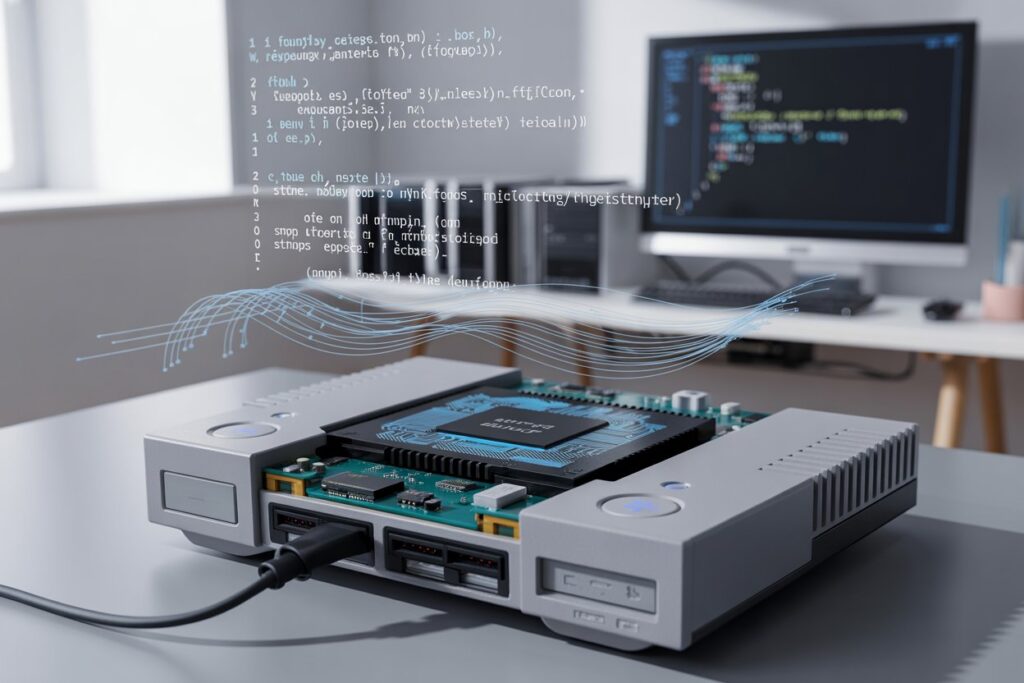
Using PS2 BIOS with PCSX2
PCSX2 is the most popular PS2 emulator for PC. To set up the BIOS:
- Install PCSX2 and run the initial setup wizard.
- Point the emulator to the folder containing your PS2 BIOS files.
- The emulator will scan and display available BIOS options.
- Select the version that matches your console region (USA, JAP, or EUR).
With the BIOS loaded, you can start playing your PS2 games on your PC exactly like the original console.
PS2 BIOS for Android Devices
Many mobile emulators also require a PS2 BIOS. Apps usually ask for a bios folder and a specific file name. Always dump the BIOS from your own console for safety and compatibility. Using the correct BIOS ensures games load without crashes and run smoothly. Some apps can handle compressed BIOS files, but it’s safer to use standard .bin or .rom files to avoid errors.
Understanding Region Codes: USA, JAP, and EUR
BIOS files differ based on region. Games often check for this code before booting. For example, a US game may only work with a PS2 BIOS USA. Using the correct region BIOS prevents errors and ensures the game behaves as intended. Emulators like PCSX2 allow you to select BIOS from different regions. If a game fails to load, trying another region version might solve the issue.
Common Problems with PS2 BIOS and Fixes
Sometimes games don’t run or freeze. Common causes include:
- Incorrect BIOS file or region mismatch.
- Corrupt download or file.
- Wrong file name or format.
- Emulator settings that don’t match the game.
Solutions include using a BIOS dumped from your console, checking file format (.bin or .rom), and ensuring the region matches your game. Keeping the emulator updated also reduces crashes.
Safety Tips: Avoid Fake BIOS Files
Be careful when searching for PS2 BIOS downloads online. Many sites offer fake files containing malware. Always prefer legal methods by dumping your own BIOS. If downloading is unavoidable, choose reputable communities or forums and scan files with antivirus software before use. Using official BIOS ensures a safe and accurate gaming experience.
PS2 BIOS vs Game ROMs
A PS2 BIOS ROM is different from a game ROM. The BIOS controls system functions, while a game ROM or ISO contains the game data. Both are needed for emulation. Never confuse them: using the BIOS incorrectly or trying to replace it with a game file will prevent games from running. Legal use of BIOS and games protects your devices and ensures reliable emulation.
Storing and Backing Up PS2 BIOS Files
Organize your BIOS files in a dedicated folder with region labels, such as PS2_BIOS/USA. Keep backups on external drives or cloud storage (encrypted for security). For PCSX2, maintain a copy in the emulator’s BIOS folder. For Android, keep a backup on your PC to avoid transferring repeatedly. Proper storage prevents file loss and simplifies troubleshooting.
Practical Example: Running Final Fantasy X
- Place the ISO in a separate folder.
- Load PCSX2 and select the proper BIOS.
- Adjust plugins and speed settings if needed.
- Launch the game.
If the game freezes, try another BIOS region or adjust the CDVD plugin. A correct BIOS ensures smooth performance and accurate emulation.
FAQs
Q1: Can I legally download a PS2 BIOS?
No, downloading from random websites is often illegal. Dumping from your console is the safest option.
Q2: How do I load the BIOS in PCSX2?
Run the setup wizard, select the BIOS folder, and pick the region matching your console.
Q3: Can I use a PS2 BIOS on mobile emulators?
Yes, but follow the app’s folder and filename instructions. Always use a legal dump.
Q4: What format is the PS2 BIOS?
Common formats are .bin and .rom. Check your emulator for compatibility.
Q5: Why does my game require a USA BIOS?
Region codes must match the game. Using a USA BIOS prevents boot errors for US releases.
Q6: Are online BIOS downloads safe?
Many are unsafe. Malware is common. Dumping your own BIOS is safer and legal.
Conclusion
The PS2 BIOS is essential for playing PS2 games on modern devices. The safest method is to dump it from your console. Organize your files, match regions, and update your emulator for the best experience. Avoid sketchy downloads and enjoy smooth, accurate emulation. With the right BIOS, your favorite PS2 games can live on your PC or Android device for years to come.