The Ultimate Guide to Brat Generators: Create the Viral Lime Green Aesthetic in Seconds
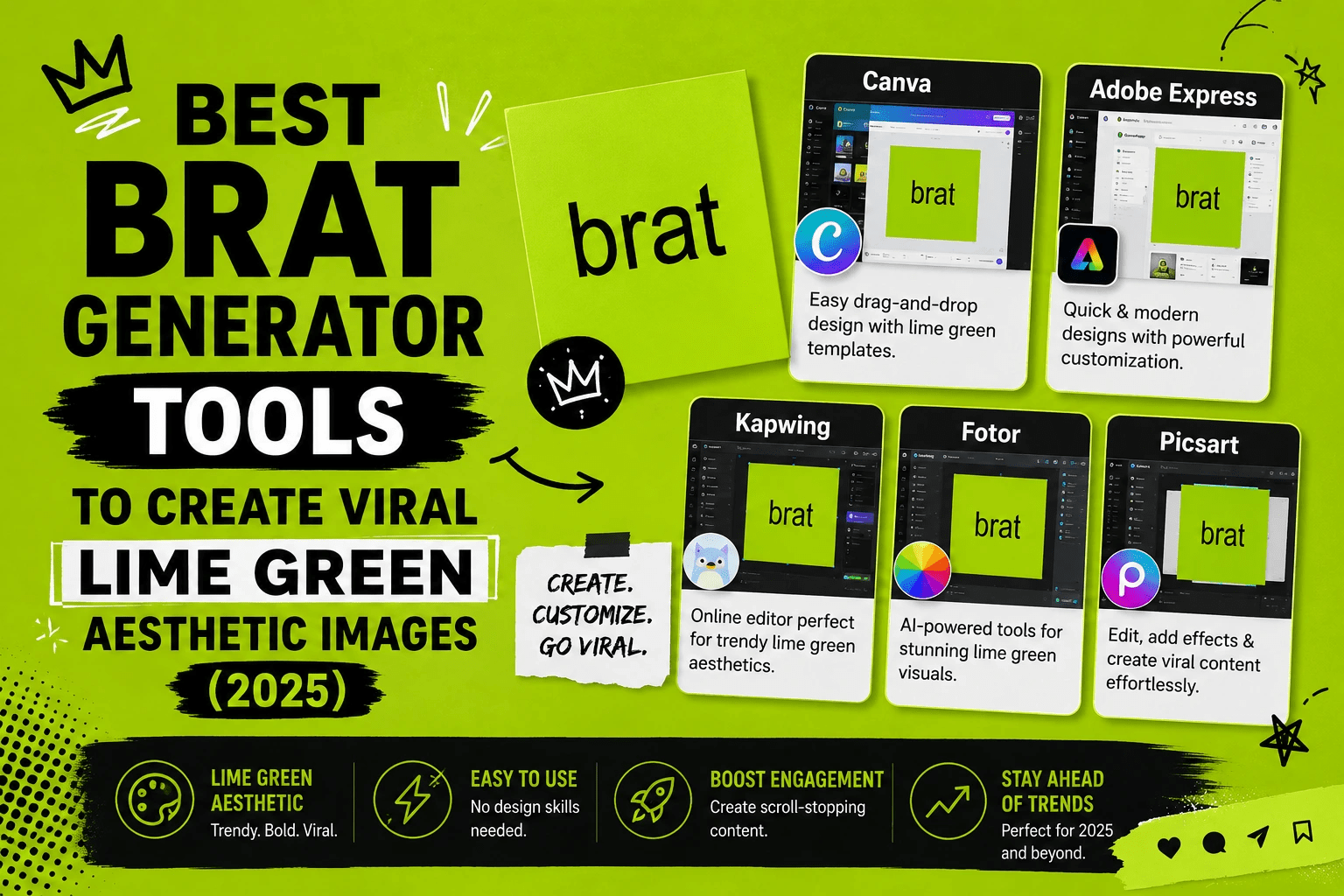
What Is the Brat Aesthetic — and Why Does Everyone Want It?
If you have spent any time on TikTok or Instagram lately, you already know what that neon green background and blurry lowercase text looks like. It is everywhere. The look comes directly from Charli XCX’s “brat” album, and it has grown into one of the most recognizable visual trends of the decade.
The aesthetic is intentionally raw. Slightly out-of-focus text on a bright yellow-green background sends a clear message: this content is confident, unfiltered, and in on the joke. It deliberately rejects the over-polished, heavily filtered content that dominated social media for years. That contrast is exactly what makes people stop scrolling.
The good news? You do not need Photoshop or a graphic design degree to pull it off. Every technical detail is automatically handled by a brat generator.
What Is a Brat Generator?
A brat generator is a browser-based tool that recreates the “brat” album cover aesthetic. You type a word or short phrase, and within seconds the tool outputs an image with:
- The signature neon lime green background (hex code: #8ACF17 or the closely related #9ACD32)
- A plain sans-serif font — typically Arial or a similar typeface
- A soft blur or distortion effect on the text that mimics lo-fi printing
No downloads. No tutorials. No creative software required. The tool does what would otherwise take a graphic designer several careful steps in Photoshop, and it does it in about ten seconds.
Why People Are Actually Using These Tools
It would be easy to dismiss this as just another fleeting meme. But there are real, practical reasons people reach for a brat generator regularly:
Social relevance. Posting in a recognizable cultural style signals to your audience that you understand the current moment. It creates instant connection.
Speed. A brat image takes seconds to create. That matters when you want to comment on something trending right now, not two hours from now when you have finished manually editing in Photoshop.
Accessibility. Not everyone has design skills, and not everyone should need them to participate in a cultural moment. These tools level the playing field.
Versatility. Beyond memes, people use the aesthetic for playlist covers, event announcements, party invitations, and brand content — anywhere a bold, irreverent visual fits.
How to Use a Brat Generator: A Simple Walkthrough
The process is nearly identical across most tools available online. Here is what a typical session looks like:
- On a desktop or mobile device, launch the tool in your browser.
- Type your text — keep it short, ideally one to four words.
- Confirm the background color is the correct lime green shade.
- Adjust the blur level if the tool offers that option.
- Download the image directly to your device.
- Share it on Instagram Stories, TikTok, Twitter/X, or wherever your audience lives.
The entire process rarely takes more than thirty seconds. That speed is the whole point.
Key Features That Separate a Good Brat Maker from a Mediocre One
Not every tool online delivers the same results. Here is what to look for when you want output that actually looks right:
Accurate Color Matching
The lime green is not negotiable. A slightly wrong shade immediately breaks the illusion. Good tools lock in the correct hex value by default, so you are not guessing.
Adjustable Blur Effect
The blurriness is part of the charm, but different phrases need different amounts of distortion to stay readable. A quality brat maker lets you slide between “barely blurred” and “fully abstracted” depending on what you are going for.
Clean Font Rendering
Arial is the standard, and it works because it is ordinary. The anti-design philosophy of the “brat” aesthetic leans into that ordinariness — the font should be unremarkable so the color and blur carry all the energy.
Mobile-Friendly Interface
Most people want to create and post from their phones. Tools that require a mouse or a large screen lose half their audience before anyone has typed a word.
Instant, High-Quality Download
A blurry download option that loses resolution when shared is not useful. Look for tools that output clean image files ready for any platform.
Comparison of Brat Generator Features at a Glance
| Feature | What to Look For | Why It Matters |
| Background color | Exact lime green (#8ACF17 or similar) | Wrong shade looks off immediately |
| Text blur | Adjustable slider | Different phrases need different distortion |
| Font | Arial or standard sans-serif | Preserves the “anti-design” authenticity |
| Download quality | High resolution PNG | Stays sharp when shared to Stories or posts |
| Mobile support | Responsive design | Most users create and post from phones |
| Speed | Results in under 10 seconds | Trending content has a short window |
What About a Brat Font Download?
Some designers prefer to work offline in tools like Figma, Illustrator, or Canva. If that sounds like you, you might look for a brat font download. The technical answer is simple: the font itself is just Arial, which is already installed on virtually every computer in the world.
What people actually mean when they search for a “brat font download” is usually the blurred or distorted version of that text — the specific effect applied to plain Arial that makes it look like a photo taken slightly out of focus. That effect is not a font file; it is a rendering technique.
A few fan-made font files exist online that approximate the look, but for most purposes you are better off using an online generator rather than hunting for a workaround. If you do find a downloadable file, check the license carefully before using it for anything commercial.
Using the Brat Aesthetic for Playlist and Album Covers
Beyond social posts, the lime green look has found a natural home on music platforms. If you manage a playlist or release independent music, a brat-inspired cover immediately communicates a specific attitude without a single word of explanation.
The visual shorthand works because the cultural context is already loaded. Listeners see that green and immediately associate it with a particular emotional register — confident, playful, slightly chaotic, and unafraid of being messy. For artists working in pop-adjacent or alternative spaces, that is a powerful signal to send within a thumbnail-sized image.
Common Mistakes That Ruin the Brat Look
Getting the aesthetic right is simple, but a few easy errors push results from “authentic” to “off-brand”:
Using too much text. The blur effect is designed for short phrases. A full sentence becomes unreadable and just looks like noise. Three to five words is usually the sweet spot.
Getting the green wrong. Lime green has a wide range. The specific shade from the album leans toward yellow-green, not blue-green. If your output looks closer to sage or forest green, the tool is not calibrated correctly.
Adding extra elements. Stickers, gradients, logos, and decorative borders all work against the aesthetic. The whole point is restraint. Let the color and text carry the image.
Overcomplicating the message. The brat aesthetic works with declarative, confident phrases. Explanatory or hedging language undercuts the vibe entirely.
Is This Trend Still Worth Joining?
Cultural trends on the internet move quickly, but the brat aesthetic has shown staying power well beyond the album cycle that launched it. Here is why it still performs:
The visual language has become recognizable enough to function as a reference on its own. Even people who never heard of the album understand what the green-and-blur combination means. That longevity makes content created in this style read as culturally fluent rather than dated, as long as your caption and context feel current.
More practically, social media platforms reward content that connects to known visual styles. The brat aesthetic has enough recognition to benefit from that association without feeling like it is chasing a trend that already peaked.
Frequently Asked Questions
What does a brat generator actually do?
It creates images in the visual style of Charli XCX’s “brat” album — lime green background, plain font, blurred text — without requiring any design software or skills.
Is it free to use?
Most brat generators available online are completely free and require no account or sign-up.
Do I need to download anything?
No. These tools run entirely in your web browser. You create and download the finished image without installing any software.
Does it work on a phone?
Yes. Most well-built tools are responsive and work just as smoothly on mobile browsers as on desktop.
Why does the text look blurry?
The blur is intentional. It mimics a slightly out-of-focus or low-resolution print effect, which is central to the raw, unpolished energy of the aesthetic.
Can I use a different background color?
Some tools let you experiment with other colors. That said, the lime green is what makes the image recognizable. Switching colors is fun to try, but the original shade almost always performs better for recognition.
What font does it use?
Standard Arial, or a very close equivalent. The “anti-design” philosophy of the brat aesthetic relies on the font being deliberately plain.
Final Thoughts
The brat generator is one of those rare tools that manages to be both simple and genuinely useful. It solves a specific creative problem — how do I participate in this cultural moment without spending an hour in Photoshop — and it solves it well.
Whether you are creating content for a personal account, managing a brand, releasing music, or just want your meme to look right, the lime green aesthetic continues to resonate. Grab a tool, type something short and confident, and share it. The whole point of the “brat” look is that it does not take itself too seriously — and neither should the process of making it.
Sources and Further Reading: Charli XCX official releases, Rolling Stone music coverage, Google Fonts typography reference, Instagram and TikTok trend analysis.